Business Operations2 min read
Inventory and operations tracking for service businesses: a practical checklist
A service-business checklist for keeping inventory, team activity, bookings, and operational reporting connected instead of scattered.
Inventory issues usually become customer issues. If teams do not know what is available, where items moved, or which booking needs stock, operations become slow and expensive.
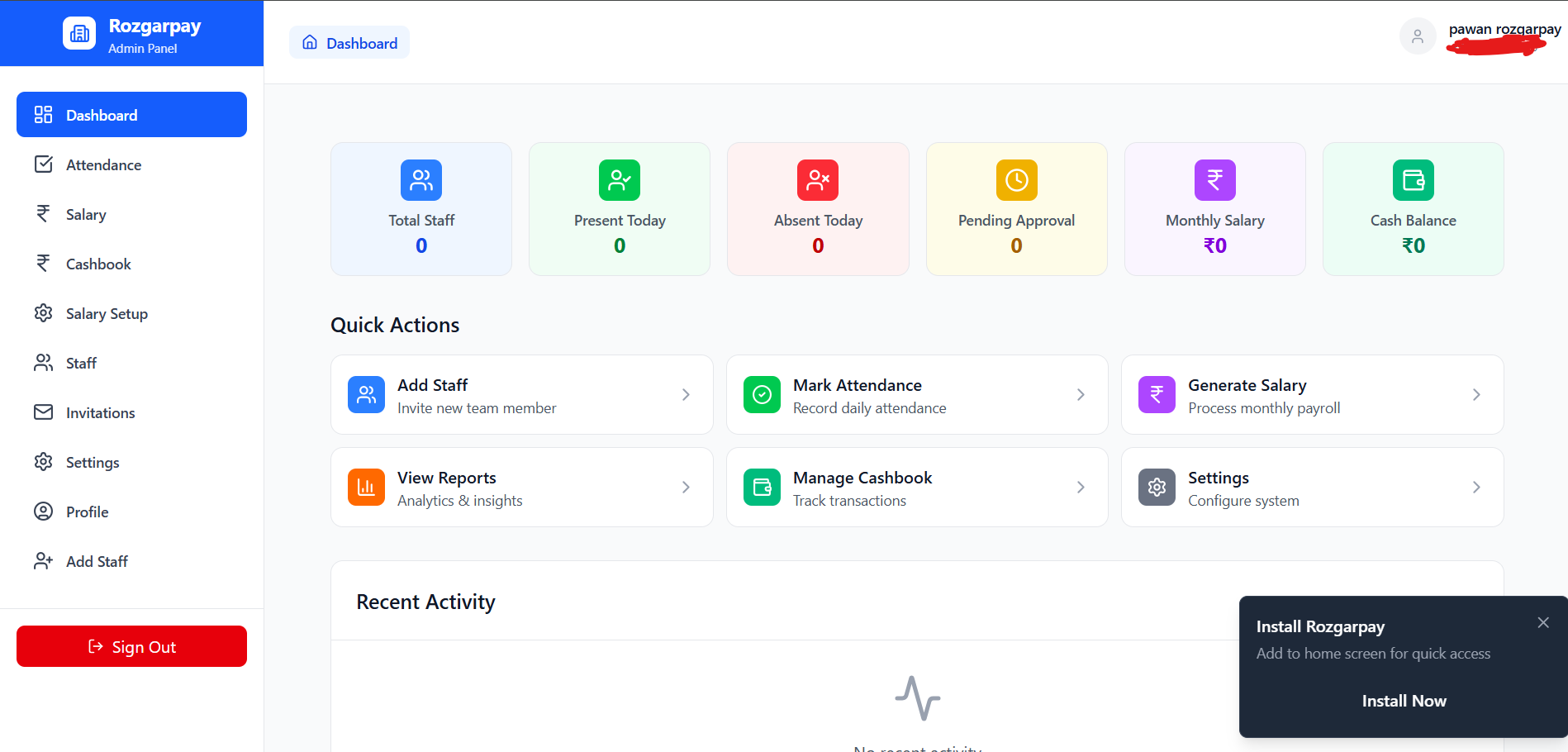
Operations dashboard
Inventory tracking works best when it is connected to the same operating system that manages teams, bookings, CRM, notifications, and reports.
Inventory checklist
- Track item name, group, category, unit, and current stock.
- Record stock movement instead of overwriting quantities silently.
- Connect inventory activity with service or booking context where possible.
- Review low-stock items before customer commitments are made.
- Use reports for reconciliation and operational decisions.
Connected operating areas
Bookings
Know upcoming service demand before stock becomes a blocker.
Team management
Assign ownership for movement and reconciliation.
Reports
Review stock history for audit and planning.
Article feedback
Was this article helpful?
Your feedback helps the DeskGo editorial team improve clarity and usefulness.